Laptops are an essential part of our daily lives. Whether it’s for work, entertainment or communication, we depend on them to get things done. And to ensure our laptops are always powered up and ready to go, we rely on laptop adapters. However, not all laptop adapters are created equal, and compatibility is an important factor to consider when purchasing one. In this article, we’ll explore laptop adapter compatibility, what you need to know, and how to make sure you choose the right one for your device.
Understanding Laptop Adapters:
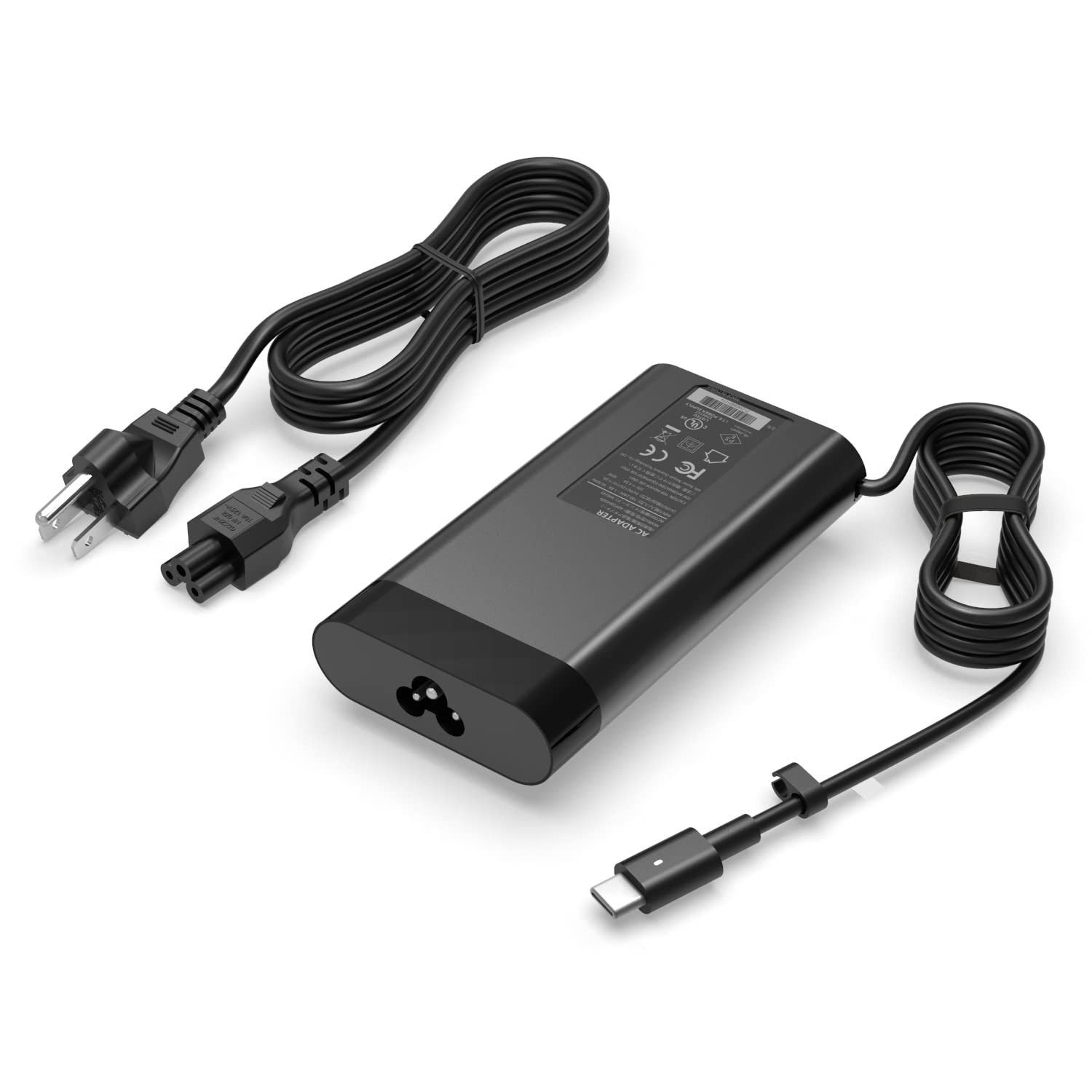
Before we dive into compatibility, it’s important to understand what laptop adapters are and how they work. Laptop adapters are devices that convert AC power from a wall outlet into DC power that your laptop can use. They typically consist of two parts: the power brick and the cord that connects it to the laptop.
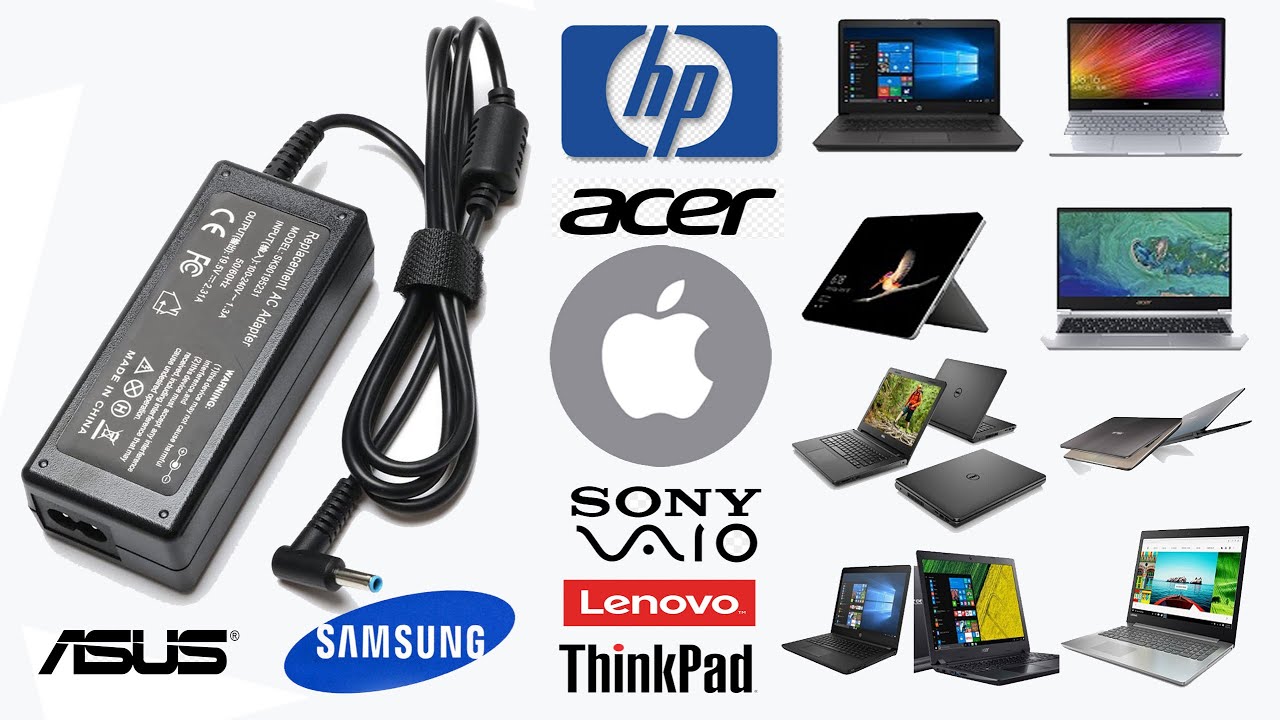
Laptop adapters come in a variety of shapes, sizes, and wattages, and each model is designed to work with specific laptop brands and models. If you use the wrong adapter for your laptop, you may experience issues like slow charging or damage to your laptop’s battery or internal components.
Compatibility Factors:
- When it comes to laptop adapter compatibility, there are a few factors to consider:
- Voltage: The voltage of the adapter should match the voltage required by your laptop. Most laptop adapters have an output voltage between 16 and 20 volts, but it’s important to check your laptop’s manual or specifications to ensure you choose the right one.
- Amperage: The amperage, or current, of the adapter should also match what your laptop requires. If the adapter’s amperage is too low, it may not be able to provide enough power to your laptop, while an adapter with too high an amperage may cause damage to your laptop.
- Connector Size and Shape: Laptop adapters also come with different connector sizes and shapes. It’s important to choose an adapter that has the correct connector for your laptop, as using the wrong size or shape could result in damage to the connector or port.
- Brand and Model: Finally, it’s important to choose an adapter that is designed for your specific laptop brand and model. While some adapters may work with multiple brands, it’s always best to choose one that is recommended by the manufacturer to ensure compatibility.
How to Choose the Right Adapter:
- To choose the right laptop adapter for your device, follow these steps:
- Check Your Laptop’s Specifications: The first step is to check your laptop’s manual or specifications to determine the required voltage and amperage, as well as the connector size and shape.
- Find a Compatible Adapter: Once you have this information, search for laptop adapters that match your laptop’s requirements. Be sure to choose an adapter that is recommended by the manufacturer or a reputable third-party supplier.
- Double-Check Compatibility: Before purchasing, double-check that the adapter is compatible with your laptop’s brand and model, as well as the connector size and shape.
- Read Reviews and Ratings: Finally, read reviews and ratings from other users to ensure the adapter is high-quality and reliable.
Conclusion:
Choosing the right laptop adapter is essential to ensure your device is powered up and ready to go whenever you need it. By understanding the factors that affect compatibility and following the steps outlined above, you can find a high-quality adapter that is compatible with your laptop and meets your specific needs. And, as always, be sure to purchase from a reputable supplier like adapter-chargers.com to ensure the best possible experience.